Best No-WiFi Baby Monitors Under $100 for Your First Nursery Setup
First-time parents don't need to overspend on baby monitoring. These two no-WiFi picks cover single-room simplicity and dual-camera coverage—all well within this budget.
Why Your First Nursery Doesn't Need a Fancy WiFi Monitor
First nursery, first monitor, first wave of sticker shock. Here's the good news: you can skip the WiFi-enabled, app-connected, subscription-gated monitors entirely. A closed-loop no-WiFi system gives you private, hack-proof video with zero network dependency—exactly what a new parent needs at 3 a.m.
We looked at two popular no-WiFi monitors that both come in well within this budget and deliver everything a first nursery actually requires: clear video, two-way audio, night vision, and room temperature tracking.
The Budget Pick: Kidsneed 5" Baby Monitor with Camera and Audio No WiFi
Kidsneed 5” Baby Monitor with Camera and Audio No WiFi
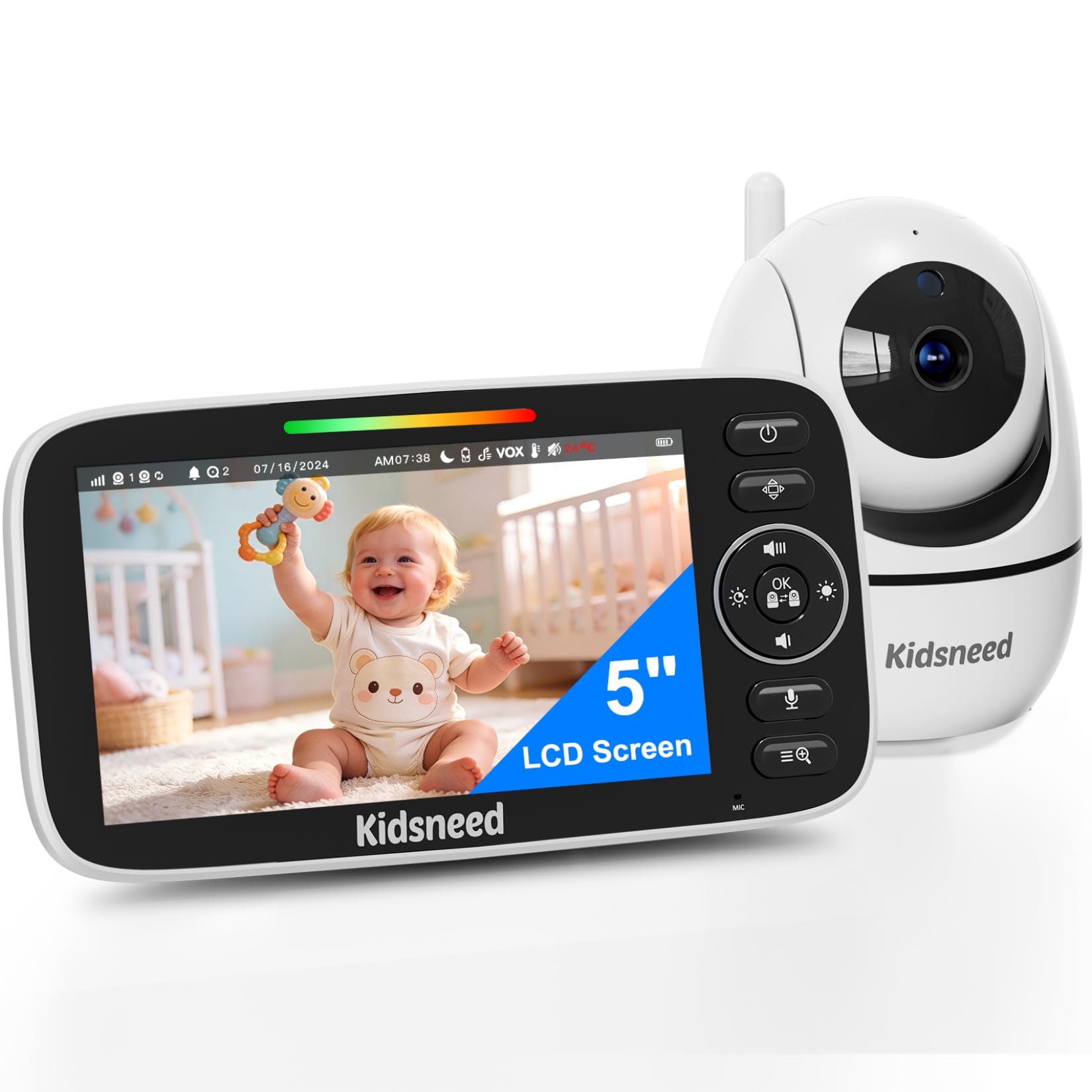
If you're furnishing a nursery on a strict budget, the Kidsneed 5" Baby Monitor with Camera and Audio No WiFi is remarkably budget-friendly for what it offers. A single camera with 355° pan and 120° tilt covers a standard nursery corner to corner. The 5-inch screen displays 720P video—sharper than most monitors at this price point.
What stands out
- Battery endurance: The 5000mAh cell delivers up to 48 hours in standby and 12 hours with the screen continuously on—enough to last through naps, overnight, and into the next morning on one charge.
- Private by design: 2.4GHz FHSS signal means no internet connection, no app, no hacking risk.
- Comfort extras: Built-in lullabies, two-way talk, infrared night vision, and a temperature sensor so you can check the room without walking in.
For a one-room setup, this monitor covers the essentials without paying for features you won't use.
The Two-Room Pick: HelloBaby Upgrade 5" Baby Monitor with 30-Hour Battery, 2 Cameras
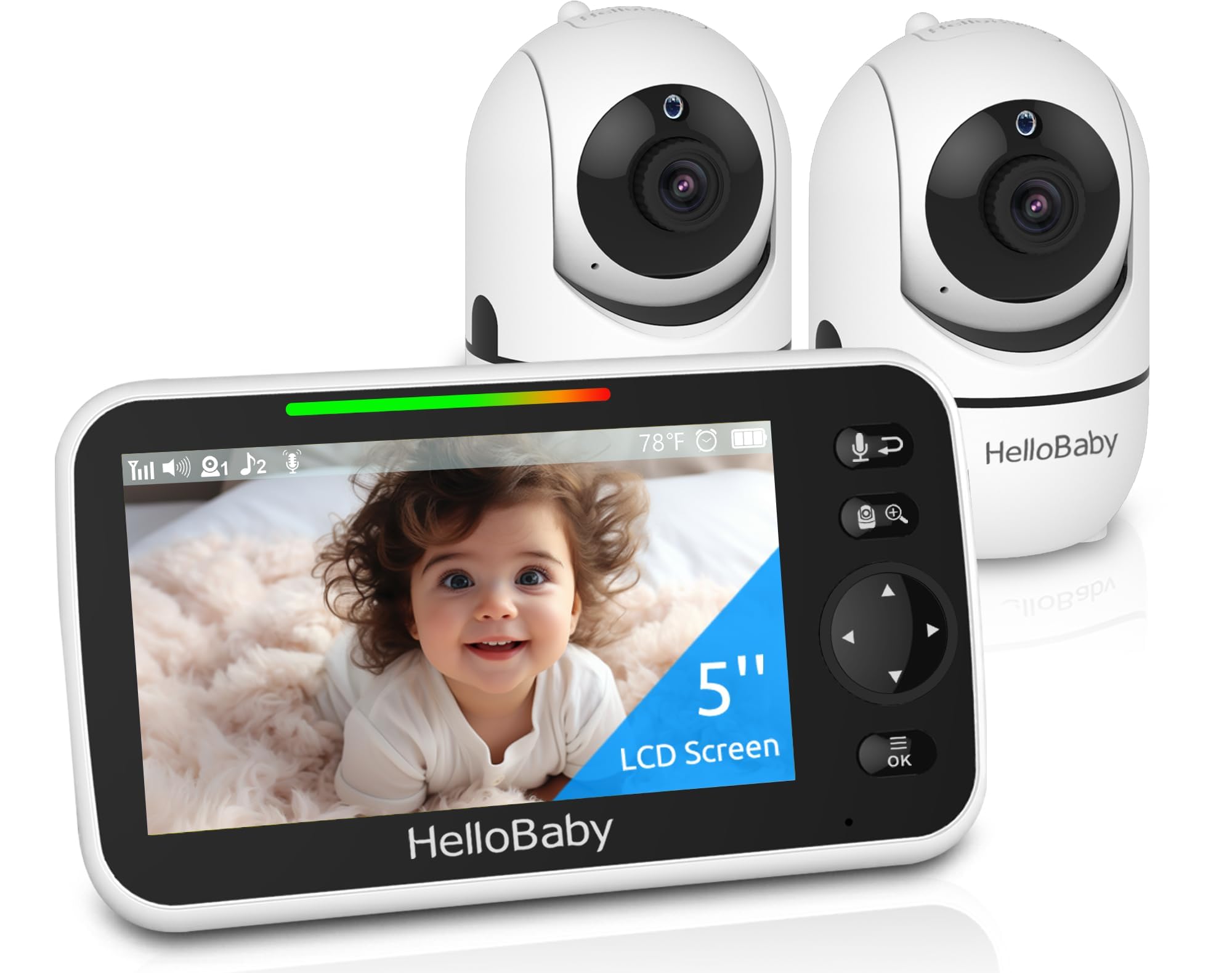
Expecting twins? Monitoring a nursery and a playroom? The HelloBaby Upgrade 5" Baby Monitor with 30-Hour Battery, 2 Cameras ships with two cameras and supports expansion to four. You view one camera at a time on the 5-inch IPS display—tap to switch. Single-view avoids the tiny, washed-out split-screen tiles common on cheaper dual setups.
Key differences from the Kidsneed
| Feature | Kidsneed | HelloBaby |
|---|---|---|
| Cameras included | 1 | 2 |
| Max cameras | 1 | 4 |
| Battery (ECO mode) | 48 hrs | 30 hrs |
| Screen type | 5" LCD | 5" IPS |
| VOX mode | No | Yes |
| Lullabies | Built-in | 8 |
| Value tier | Budget-friendly | Mid-range |
The HelloBaby adds VOX voice activation (screen wakes on sound), an IPS panel with wider viewing angles, and that second camera out of the box. Both share 1000ft outdoor range, FHSS encryption, night vision, temperature monitoring, and pan-tilt-zoom.
Verdict: Which One Belongs in Your First Nursery?
For a single-room, single-child nursery on the tightest budget, the Kidsneed 5" Baby Monitor with Camera and Audio No WiFi wins on battery life and raw value. It does one room well and asks very little money to do it.
If you're monitoring two spaces—or plan to—the HelloBaby Upgrade 5" Baby Monitor with 30-Hour Battery, 2 Cameras justifies its mid-range price with dual cameras, VOX, and an IPS screen. Buying a second camera separately for the Kidsneed isn't an option, so the HelloBaby is your only path to multi-room coverage here.
Who it suits
- Kidsneed: First-time parents with one nursery, one child, and a lean budget.
- HelloBaby: Parents of twins, families with a nursery plus a toddler room, or anyone who wants VOX and room to add cameras later.
Who should skip both
If you need remote viewing from work, split-screen display, or app-based alerts, a WiFi monitor is the right tool—these no-WiFi units can't do that by design. That's also exactly why they're private and reliable.
Kidsneed — Check latest price HelloBaby — Check latest price
Related Buying Guides
- WONDERKID vs AUSTOR Self-Closing Outlet Covers: Which Slide Mechanism Is Smoother for Daily Use?
- Best Baby Shower Gift: Carrier Bib Sets That New Parents Actually Need
- Backseat Organizer with Tray Table vs. Without: Which Setup Actually Works for Daily School Runs?
- Baby Won't Keep Earmuffs On? Troubleshooting Infant Hearing Protection
- Beginner's Guide to Baby Diaper Cream: What Every New Parent Needs to Know
- How to Build a Budget Travel System with a Car-Seat-Compatible Stroller